

Ghostlight ETC Registration
Summer 2026
Mainstage Productions
Summer Intensive
Dance Camps
If you are new to our program or returning after a hiatus, we highly recommend that you check out our FAQ and Policies page at www.ghostlightetc.com/faq to fully understand the process of registering, auditioning, and being part of a production. It’s a great first stop with LOTS of answers to the questions you most likely have before enrolling!
summer 2026
Registration opens March 1st @ 5pm
K-8th Grade

June 8th - June 28th
High School/College

May 31st - July 12th
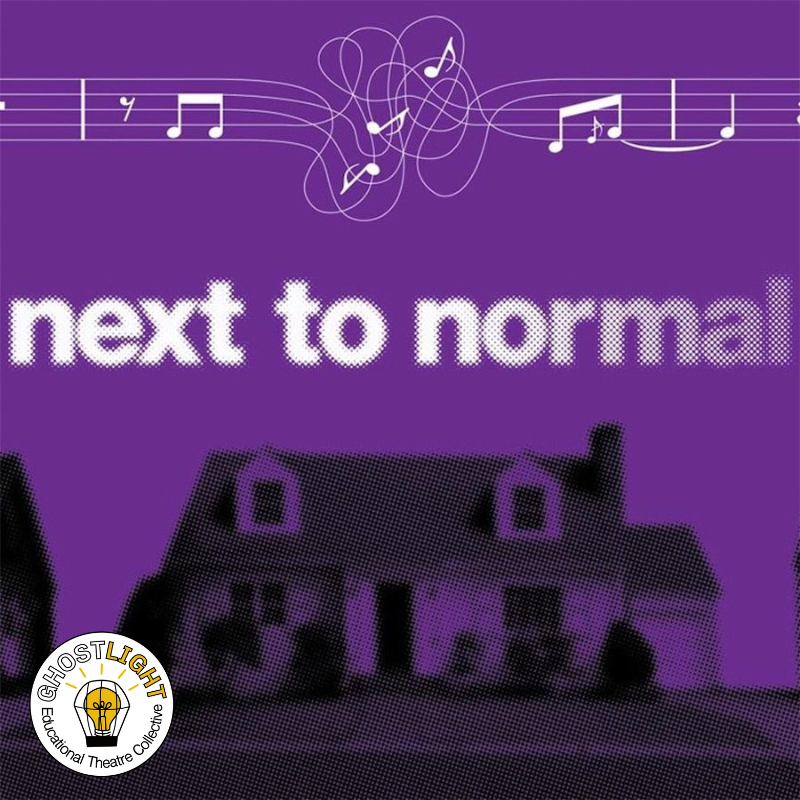
July 20th- August 9th
Auditions: May 27th and 28th
Callbacks: Friday May 29th 5-9
Rehearsals: Begin May 31st
Sunday 6-9, Monday 7-10, Wednesday 7-10
Tech & Performance Week: July 5th - July 12th
Auditions: June 22nd
Callbacks: June 23rd
Rehearsals: Begin July 20th
Monday thru Thursday 7:00-10:00
Tech & Performance Week: August 2nd - 9th
Dance Camps
Options available for K-8th
More information coming soon!

June 29th - July 2nd
Auditions: Friday, May 29th 12-4
Callbacks: Thursday, June 4th
Rehearsals: Start June 8th
Cast A 12:00 - 2:00 Monday-Thursday
Cast B 2:00 - 4:00 Monday-Thursday
Tech & Performance Week: June 22nd - June 28th
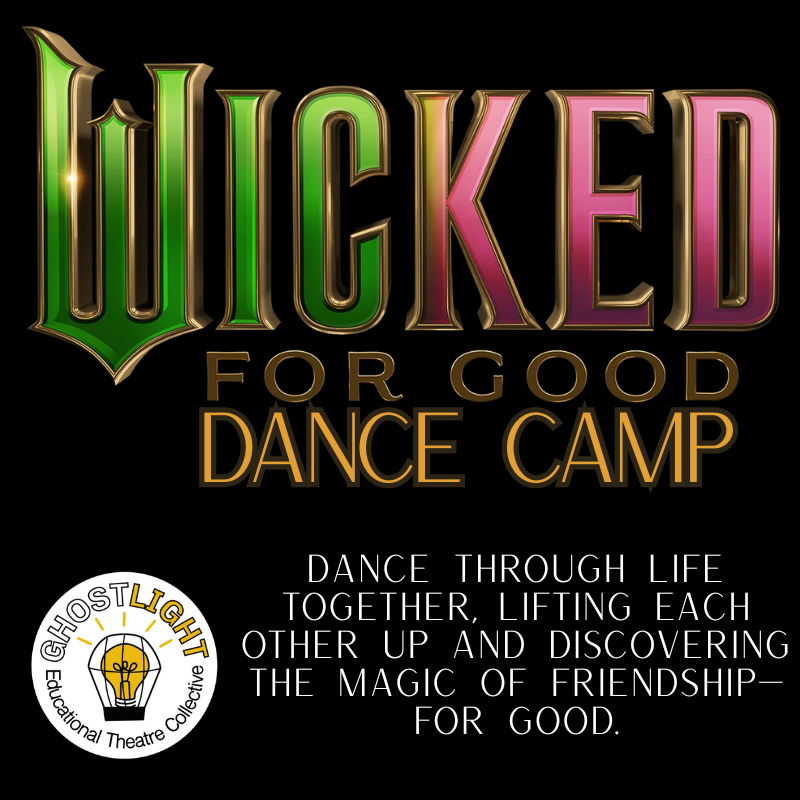
July 13th-July 17th
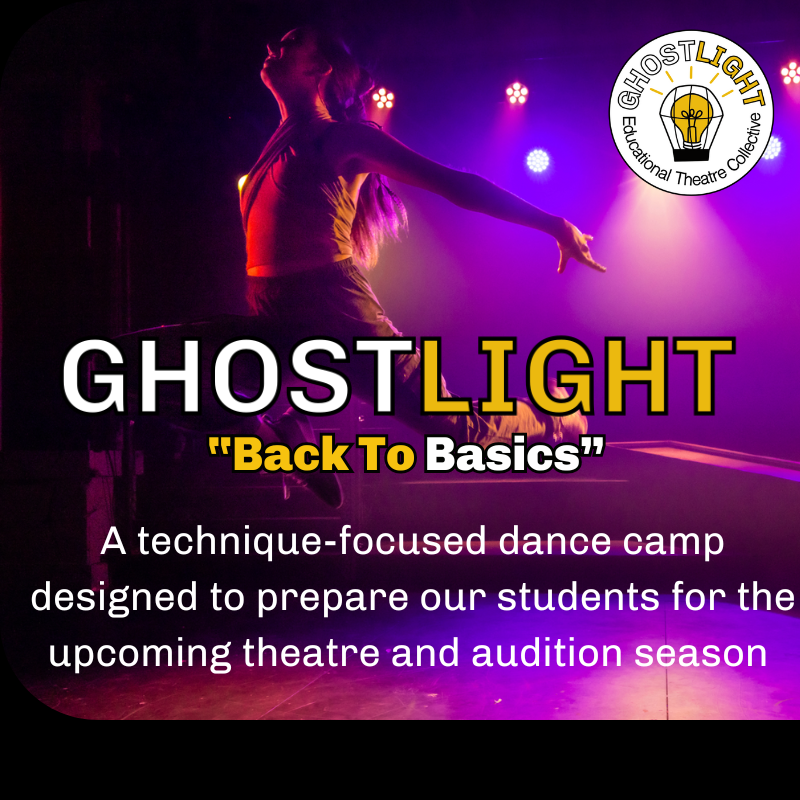
August 10th-August 14th
To Register
Create a Parent Portal account through Jackrabbit
This is a one-time process for each family
Completing this process early, saves significant time in securing a seat when registration opens
Creating an account is NOT equivalent to registering for any specific class/program
Save the credentials (login and password) you setup as you will need it when registration opens. We cannot guarantee that tech support will reply fast enough to get you support in time to gain enrollment into any program.
2. At the time registration opens, log into your Parent Portal and select classes/programs you’d like to join
3. Add these classes to your cart
4. Complete the checkout process that includes making the first payment for each class/program
5. Once payment is processed, your seat is secure
If no more seats are available when you login to register, you will need to toggle on the “view classes with waitlist” option (see image below)
Once this option is toggled on you can join the waitlist for a particular program. You will still checkout to confirm but will not be charged and will not have secured a seat. If seats become available in a program and your name is on the waitlist, you will be enrolled and your first payment will be charged and all policies relating to “joining from a waitlist” will be triggered.
It is up to the customer to cancel waitlist enrollment if no longer interested and avoid enrollment and incurring charges.
Creating a parent portal account
How to set up a parent portal
Joining a waitlist (toggle)

(audition only)